


Assembly Language on the Raspberry Pi Pico
February 8, 2023
on
on
With the home computer revolution of the early 80s, people who programmed early microcontrollers instantly saw in the computers their new favorite tool. The computers worked on the same voltages, and usually had plenty of “GPIO” available, in the form of, for example, the parallel port on the IBM PC and the User Port on the Commodore 64. Since the microcontrollers and their associated peripherals all operated on standard TTL 5-volt logic, interfacing to computers was a cinch, and you could get up and running creating your own custom firmware in short order (granted, the hardware wasn’t cheap back then).
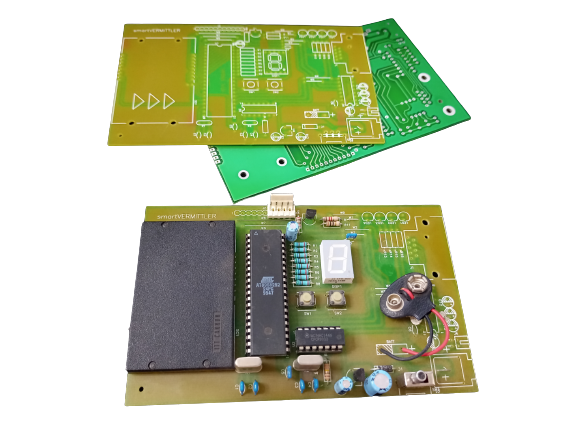
This was great until the mid- to late-90s, as PCs got more powerful, microcontrollers started integrating their EEPROMs into flash memory, and new programming interfaces that were equally easy to bit-bang over a parallel port flourished. You could program platforms from Intel 8051 derivatives (e.g. the Atmel AT89S8252 with its onboard flash memory) to the darlings of the late 90s and early 2000s, the PIC microcontroller series — all with no special voltages, no fancy equipment (yes, you could wire the parallel port directly to the chip), and no ultraviolet EPROM erasers (although those were fun!).
This was great until the mid- to late-90s, as PCs got more powerful, microcontrollers started integrating their EEPROMs into flash memory, and new programming interfaces that were equally easy to bit-bang over a parallel port flourished. You could program platforms from Intel 8051 derivatives (e.g. the Atmel AT89S8252 with its onboard flash memory) to the darlings of the late 90s and early 2000s, the PIC microcontroller series — all with no special voltages, no fancy equipment (yes, you could wire the parallel port directly to the chip), and no ultraviolet EPROM erasers (although those were fun!).
Not only was the hardware trivial to interface, but the PC operating systems of the time, from DOS through to early Windows 98, could talk directly to the hardware at the user’s command, with no paranoid virtual security middle-man standing in the way. From QBASIC or DEBUG, you could make the bits at the printer port turn on and off. You could even stick LEDs straight into the port pins and program your own Knight Rider-type running lights.
Then came the brief slightly-darker ages.
First, operating systems got more serious about security. That meant that you couldn't just say, “hey computer, turn on all the bits on the parallel port” or “quickly send this byte out to the serial UART” from the command prompt. From later revisions of Windows 98, through XP, and on into the future, the computer would likely ask you who you are and why you’re tampering with its inner bits — unless, of course, you wanted to get fancy and learn more sophisticated Windows programming and write drivers and... eugh.
I’m not mentioning Linux, which not many people were using as their main general-purpose desktop computer.
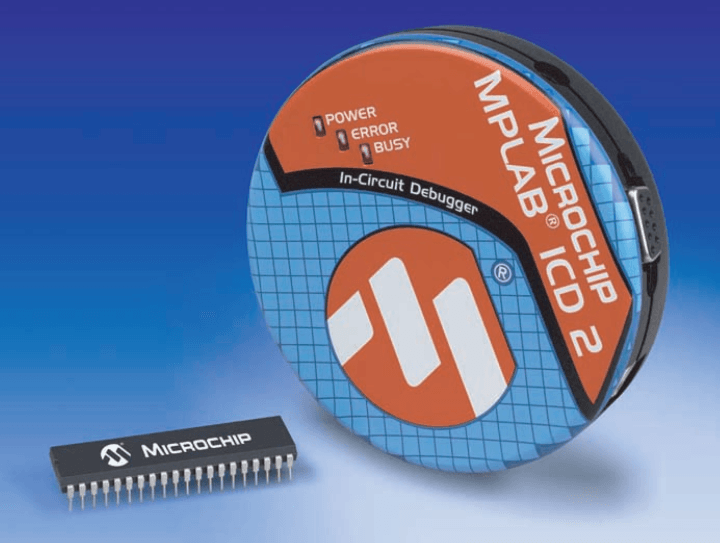
Besides, the operating system was just the software spoiler; the hardware also began to stand in the way. USB arrived, and simple “bare metal” (i.e. close to the microprocessor hardware) serial and parallel ports started to disappear. And USB was nightmarishly complex when compared with the freedom days of bit-banging parallel and serial ports. Now, to program a simple 8-pin PIC device required some expensive hardware and a development environment, such as Microchip’s MPLAB and ICD 2, which could connect to your PC via USB, but needed a special driver, came with a CD-ROM... I still have one of these programmers, but it does not bring back fond memories.
Then came the brief slightly-darker ages.
First, operating systems got more serious about security. That meant that you couldn't just say, “hey computer, turn on all the bits on the parallel port” or “quickly send this byte out to the serial UART” from the command prompt. From later revisions of Windows 98, through XP, and on into the future, the computer would likely ask you who you are and why you’re tampering with its inner bits — unless, of course, you wanted to get fancy and learn more sophisticated Windows programming and write drivers and... eugh.
I’m not mentioning Linux, which not many people were using as their main general-purpose desktop computer.
Besides, the operating system was just the software spoiler; the hardware also began to stand in the way. USB arrived, and simple “bare metal” (i.e. close to the microprocessor hardware) serial and parallel ports started to disappear. And USB was nightmarishly complex when compared with the freedom days of bit-banging parallel and serial ports. Now, to program a simple 8-pin PIC device required some expensive hardware and a development environment, such as Microchip’s MPLAB and ICD 2, which could connect to your PC via USB, but needed a special driver, came with a CD-ROM... I still have one of these programmers, but it does not bring back fond memories.
Then, from around 2007, with the launch of the first Arduino, people started taking average makers seriously again. The first Raspberry Pis followed in 2012. Suddenly, after that horrid glitch in the maker matrix, you could hook your dev board up to your PC quickly and easily, and write quick code to try something out on the fly, and had immediate access to physical computing again, so you could blink LEDs, buzz buzzers, and rotate servos to your heart’s content.
These two giants on the maker dev board block came at it from different angles: The Arduino had a simple microcontroller at its core, and it could do simple things cheaply and easily. On the other end of the spectrum was the Raspberry Pi: A full-fledged computer with mass storage and an operating system, just like PCs of yore, but bringing back those wonderful GPIOs.
Between them, there was a bit of a yawning chasm. People would debate which was better, the Raspberry Pi or the Arduino. RPi adherents would say the Arduino was too simple. Arduino fans would say the Pi was too complex. In fact, both could be true because the boards served different niches. Both platforms expanded their offerings into the no-man’s land: Arduino made bigger, faster, and more complex boards, while Raspberry Pi made cheaper, cut-down versions of the Pi, such as the Pi Zero series. The platforms are now close enough that a spark could jump the gap.
Enter the Raspberry Pi Pico. With its RP2040 microcontroller, it represents a paradigm shift for Raspberry Pi. It’s nothing like its larger brethren, as it has no mass storage capability built-in, no Linux operating system, and the most popular method of programming it is using Python.
These two giants on the maker dev board block came at it from different angles: The Arduino had a simple microcontroller at its core, and it could do simple things cheaply and easily. On the other end of the spectrum was the Raspberry Pi: A full-fledged computer with mass storage and an operating system, just like PCs of yore, but bringing back those wonderful GPIOs.
Between them, there was a bit of a yawning chasm. People would debate which was better, the Raspberry Pi or the Arduino. RPi adherents would say the Arduino was too simple. Arduino fans would say the Pi was too complex. In fact, both could be true because the boards served different niches. Both platforms expanded their offerings into the no-man’s land: Arduino made bigger, faster, and more complex boards, while Raspberry Pi made cheaper, cut-down versions of the Pi, such as the Pi Zero series. The platforms are now close enough that a spark could jump the gap.
Enter the Raspberry Pi Pico. With its RP2040 microcontroller, it represents a paradigm shift for Raspberry Pi. It’s nothing like its larger brethren, as it has no mass storage capability built-in, no Linux operating system, and the most popular method of programming it is using Python.
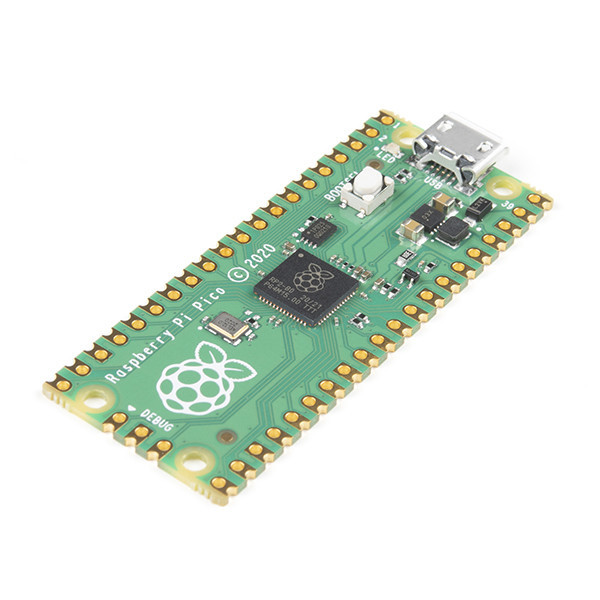
The RP2040 microcontroller, however, still represents good old microcontroller ethos, and yes, you can program it directly in its native assembly language. For the bold, if you are that way inclined, it has a 636-page datasheet. Yes, the chip is the size of something else that is also small, and yet it has a telephone directory (remember those?) to explain all of its functions.
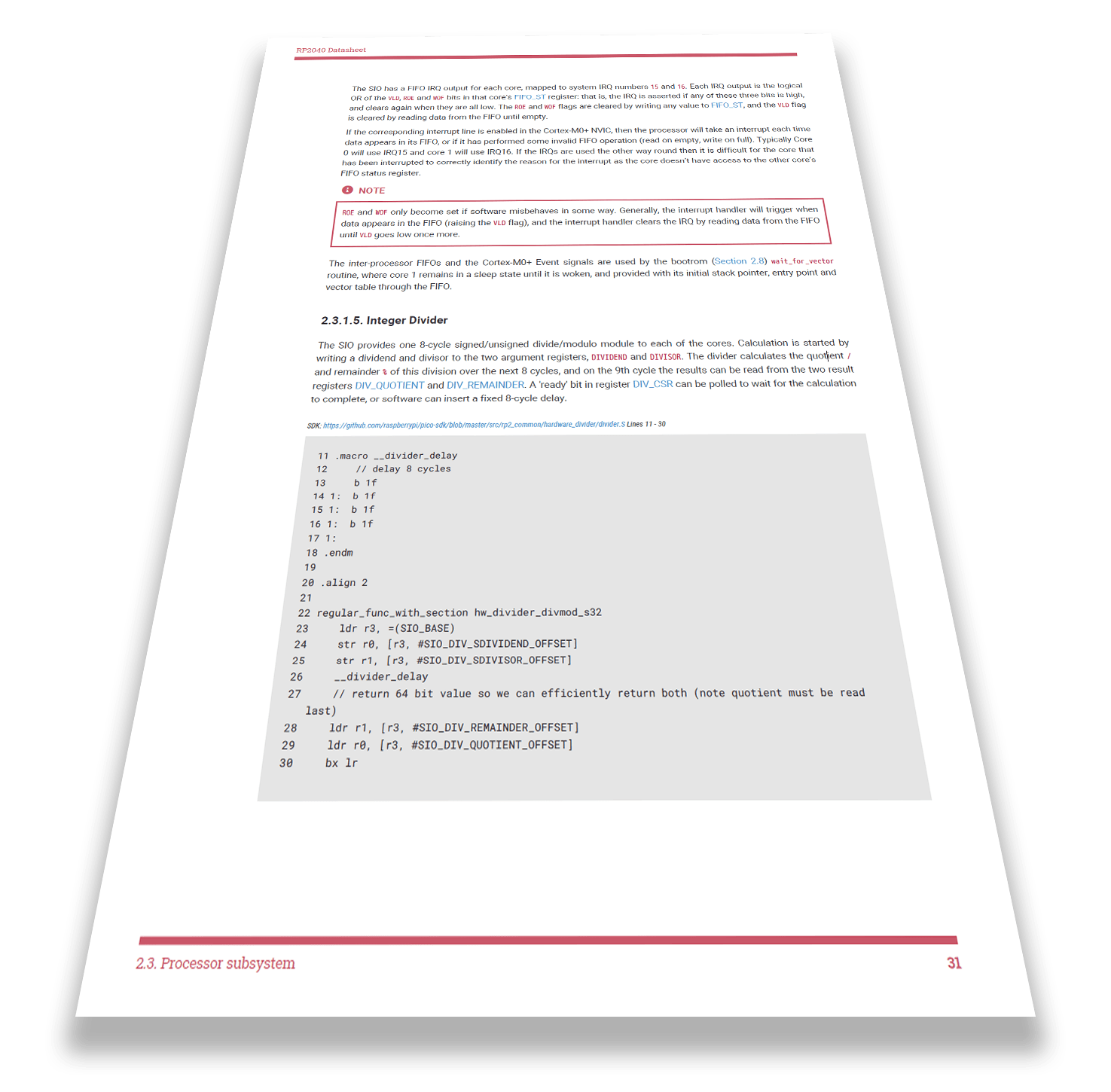
That’s why I’m glad to have stumbled upon Will Thomas’s YouTube videos about programming the RP2040 at the bare-metal level, in assembly language. Start the bottom of the YouTube page, where he begins with an introductory talk in the first video, explaining just why it is you would want to do something as crazy as program in assembly in the 2020s.
He makes a better case than I would have.
By the second video, you’re already doing the “Hello, World” in RP2040 assembly, although in this context that means blinking the LED:
By the second video, you’re already doing the “Hello, World” in RP2040 assembly, although in this context that means blinking the LED:
I look forward to a deeper dive through the rest of his videos, and recommend that you check out his channel if you’re also in to that sort of thing!
Read full article
Hide full article
Discussion (1 comment)